Documentation versioning
You can optionally generate versioned documentation, which allows users to switch between multiple versions.
To do this, use the --doc-version option.
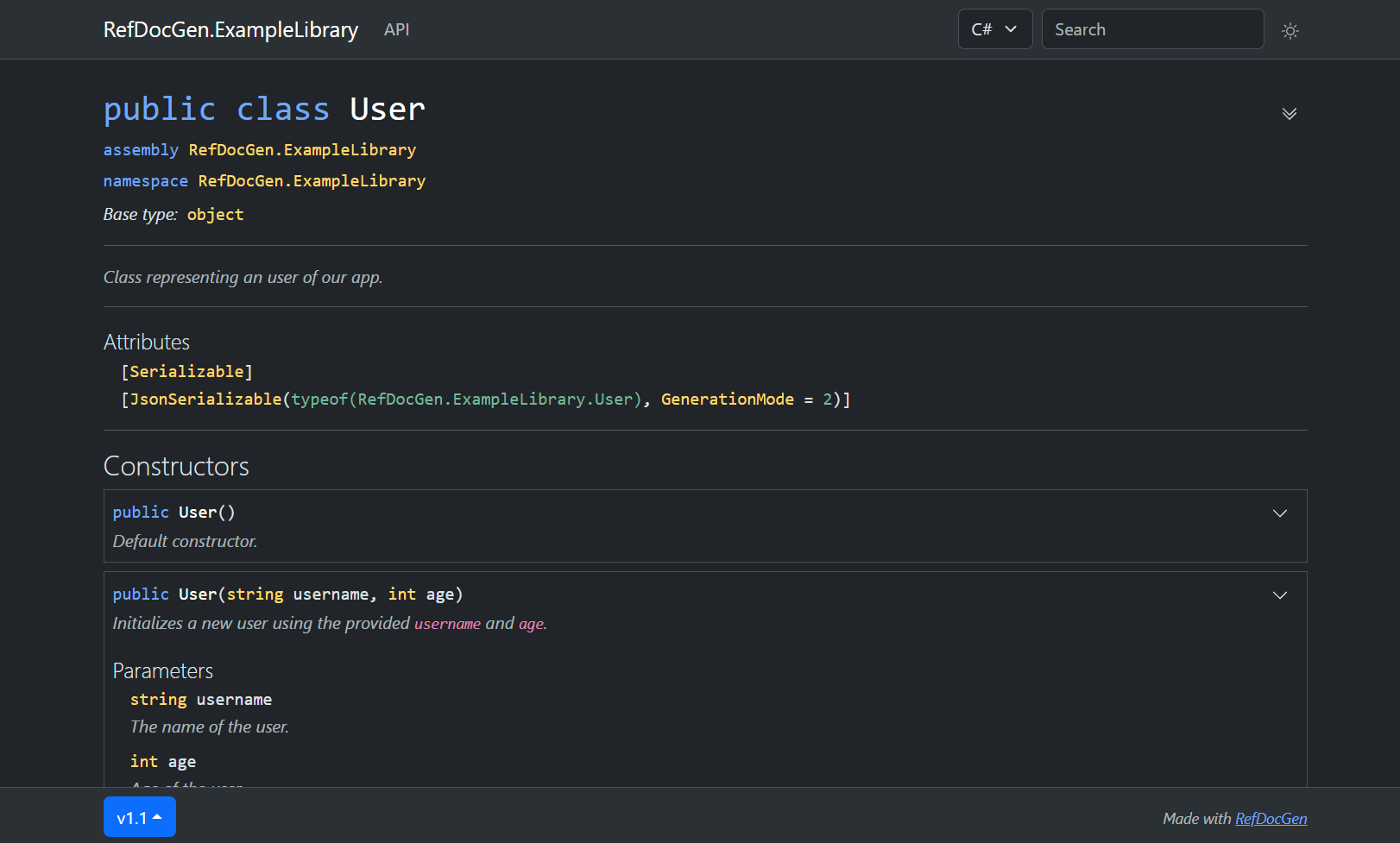
The version can then be switched using the dropdown menu at the bottom of the page, as illustrated below:
Examples
Generate two versions of the documentation using these commands (the output directory must be the same):
refdocgen MyLibrary.dll --doc-version v1.0

# after version 1.1 is published
refdocgen MyLibrary.dll --doc-version v1.1
The documentation versions do not necessarily have to match the library versions. For example, you may create two documentation versions: one showing only the public API, and another including private members, as illustrated below:
refdocgen MyLibrary.dll --doc-version v1.0-public
refdocgen MyLibrary.dll --doc-version v1.0-private --min-visibility Private
Demo
You can browse an example of versioned documentation here.