Adding custom static pages
You can include static pages (like index or FAQ) in the generated documentation, following the steps below:
- create a directory (e.g.,
static-pages/) with.md(preferred) or.htmlfiles - each file represents a page and should contain its the body content
- run the generator with:
--static-pages-dir static-pages/
- thus, the pages are included in the documentation, and links to them appear in the top menu
Important: The static pages are not designed to offer the functionality of a full-fledged SSG. If you want more control over the pages, is advised to use an SSG, such as Jekyll, for user documentation.
Additional notes:
- It is possible to use relative links between pages. (Links to
.mdfiles are automatically updated to point to the correct output HTML files in the generated documentation.) - you can include images, JS, or any other resources in the static pages directory, and then reference them from the pages
- it is possible to put the pages (and other files) into subdirectories of the
static-pages/directory (however, pages nested three or more levels deep will not appear in the top menu) - in case you use HTML pages, to add custom CSS styles, put them into
/css/styles.cssand they will be included automatically (however, use custom styles only for minor tweaks, rather than completely changing the overall appearance of the page)
Example
Example directory structure:
static-pages/
    index.md
    FAQ.html
index.md
# MyLibrary Reference Documentation

This page contains the reference documentation for MyLibrary.

## Installation
To install, run `dotnet tool install my-library`.
FAQ.html
<h1>FAQ</h1>

<h6>Q1: How to install the library?</h6>
<div class="fw-light">A1: ...</div>
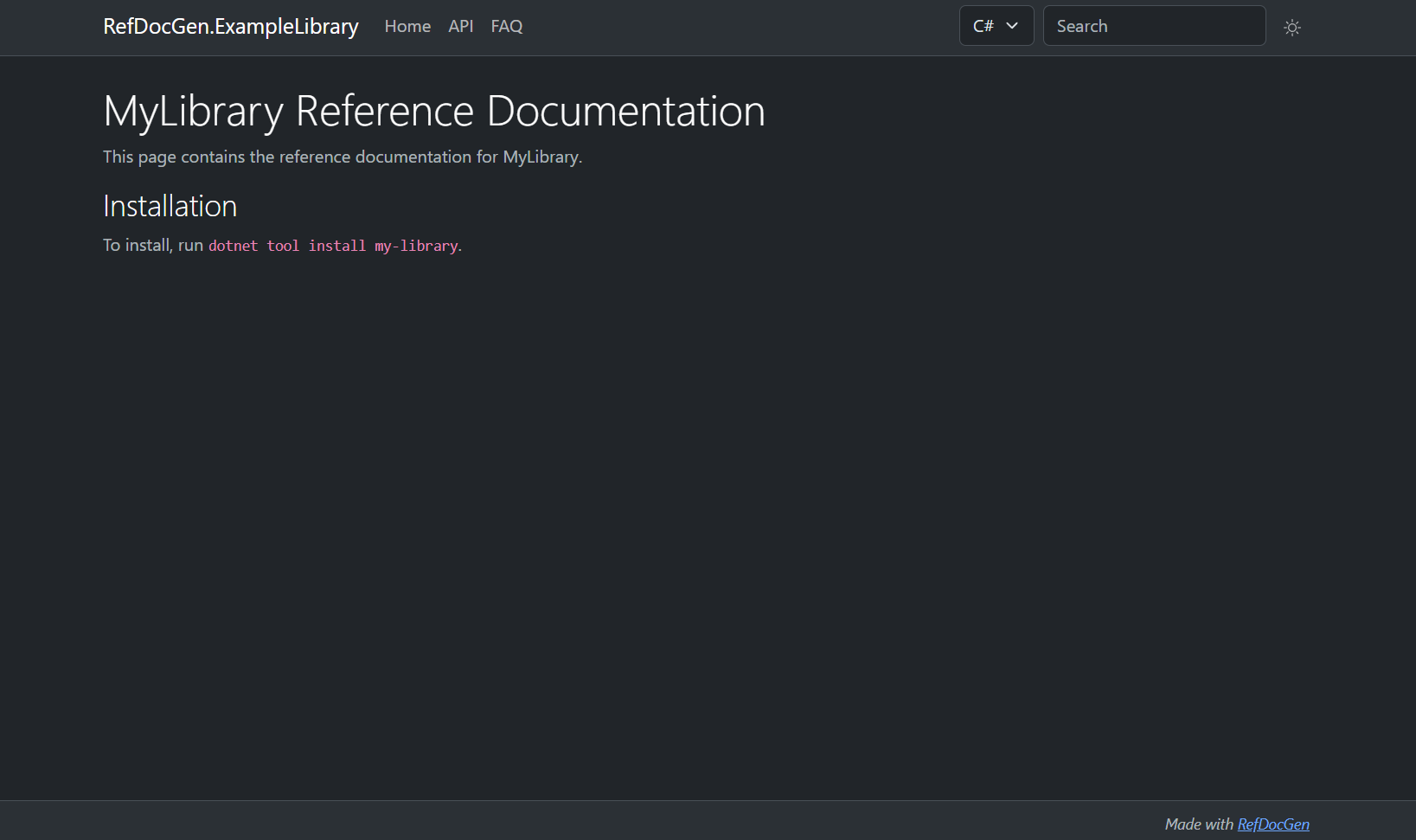
Result
The resulting static pages are shown below: